iRobot Roomba 105 Combo Review: Dockless Robot Vacuum Reviewed
In this article
- At a glance
- What we liked
- Daily pet hair pickup that holds up
- Room targeting that works when the map does
- Three-year durability in the right home
- Where it falls short
- Mapping is a coin toss
- Mopping is basic, not a replacement for a real mop
- Frequent babysitting required
- Real-world performance
- Small apartment with a shedding cat
- Multi-room home with mixed flooring
- How it compares to alternatives
- Who should buy it
- FAQ
- Bottom line
The iRobot Roomba 105 Combo splits the room: half its owners run it daily for three years without issues, and the other half leave one-star reviews about mapping failures and stuck bots. Thousands of real owner experiences show what tips the scale, and whether skipping the AutoEmpty dock saves enough money to justify the extra trips to the trash can. As with every review on this site, we are not paid by manufacturers, and we base our take on real buyer data and published specs. Read more about how we review.
Verdict: The dockless Roomba 105 Combo does reliable daily vac-and-mop cleaning in small hard-floor homes, but mapping hiccups and frequent stuck incidents mean it needs more babysitting than a robot vacuum should. 6.5/10.
Best for: Compact hard-floor homes with few rugs where you are willing to supervise early mapping and pre-tidy floors before each run.
Skip if: You expect set-and-forget reliability, polished multi-room mopping, or a hands-off self-emptying experience.

Irobot
iRobot Roomba 105 Combo Robot Vacuum & Mop - Easy to use, Intense Power-Lifting Suction, LiDAR Navigation, Multiple Cleaning Modes, Avoids Mopping Carpets, Self-Charging
Best for
Compact hard-floor homes with few rugs where you are willing to supervise early mapping and pre-tidy floors; skip if you expect polished multi-room mop routing or set-and-forget reliability.
The dockless Roomba 105 Combo divides buyers sharply: small-apartment owners get three years of daily vac-and-mop reliability, while others hit mapping loops, loud motors, and rug-navigation failures that make them swear off the brand. The 22% one-star slice is unusually high for a Roomba and worth weighing against the 50% five-star share.
Loved by buyers
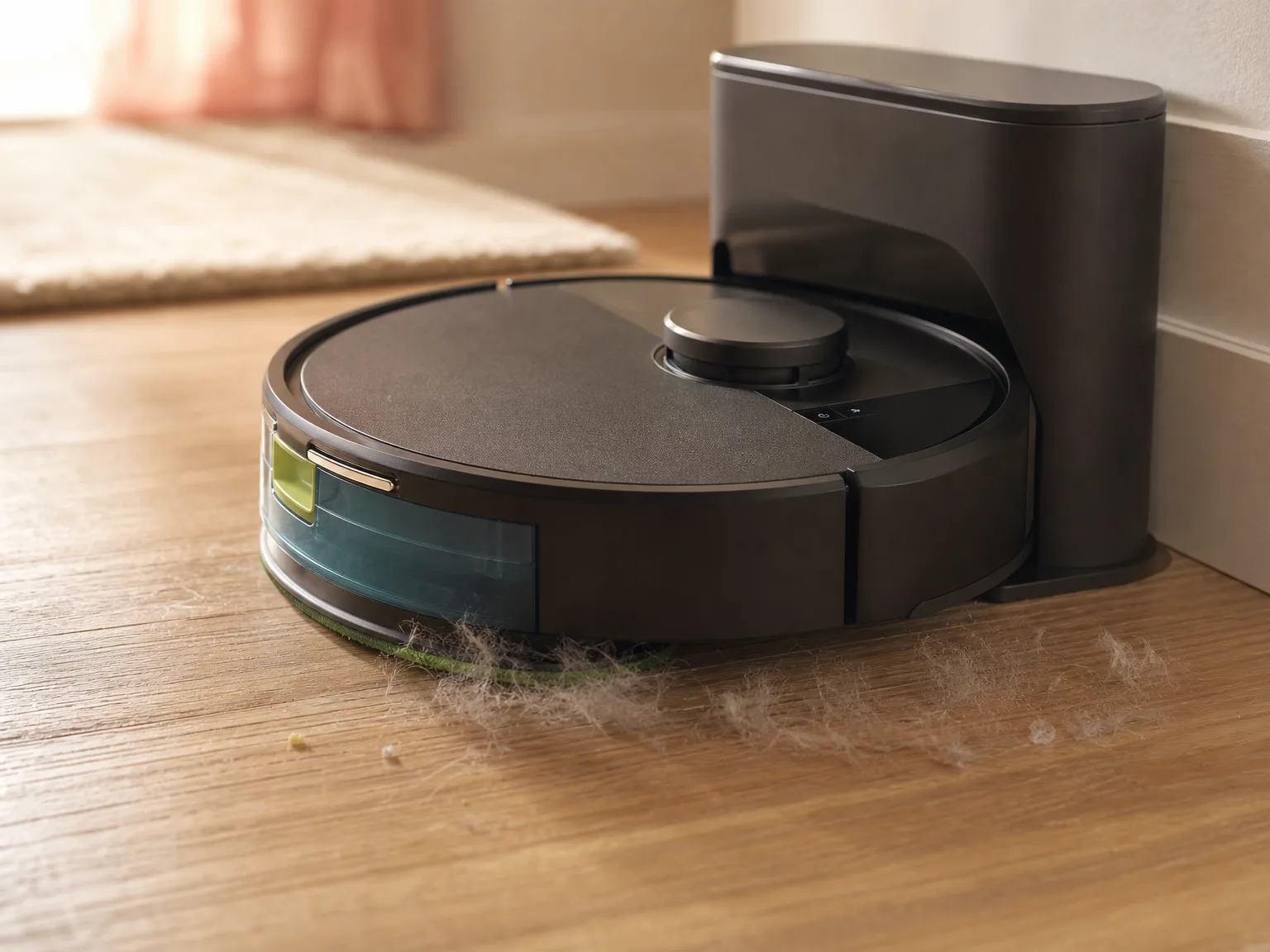
- •Pet households in small apartments get hair-free floors with two-minute daily bin dumps and nightly schedules
- •LiDAR row cleaning and app room targeting work well for owners who tidy cords and toys before each run
- •Three-year survivors report solid durability and consistent maintenance cleaning between deeper manual sessions
Buyer concerns
- •First full-map runs can take over eight hours with multiple recharges on a single-story home under 2,000 sq ft
- •Mop mode detects rugs and stalls instead of routing around them; water-only pads leave corners and baseboards dry
- •Side brush jams into the bumper repeatedly; the bot may need a reboot after sitting idle for a week
At a glance
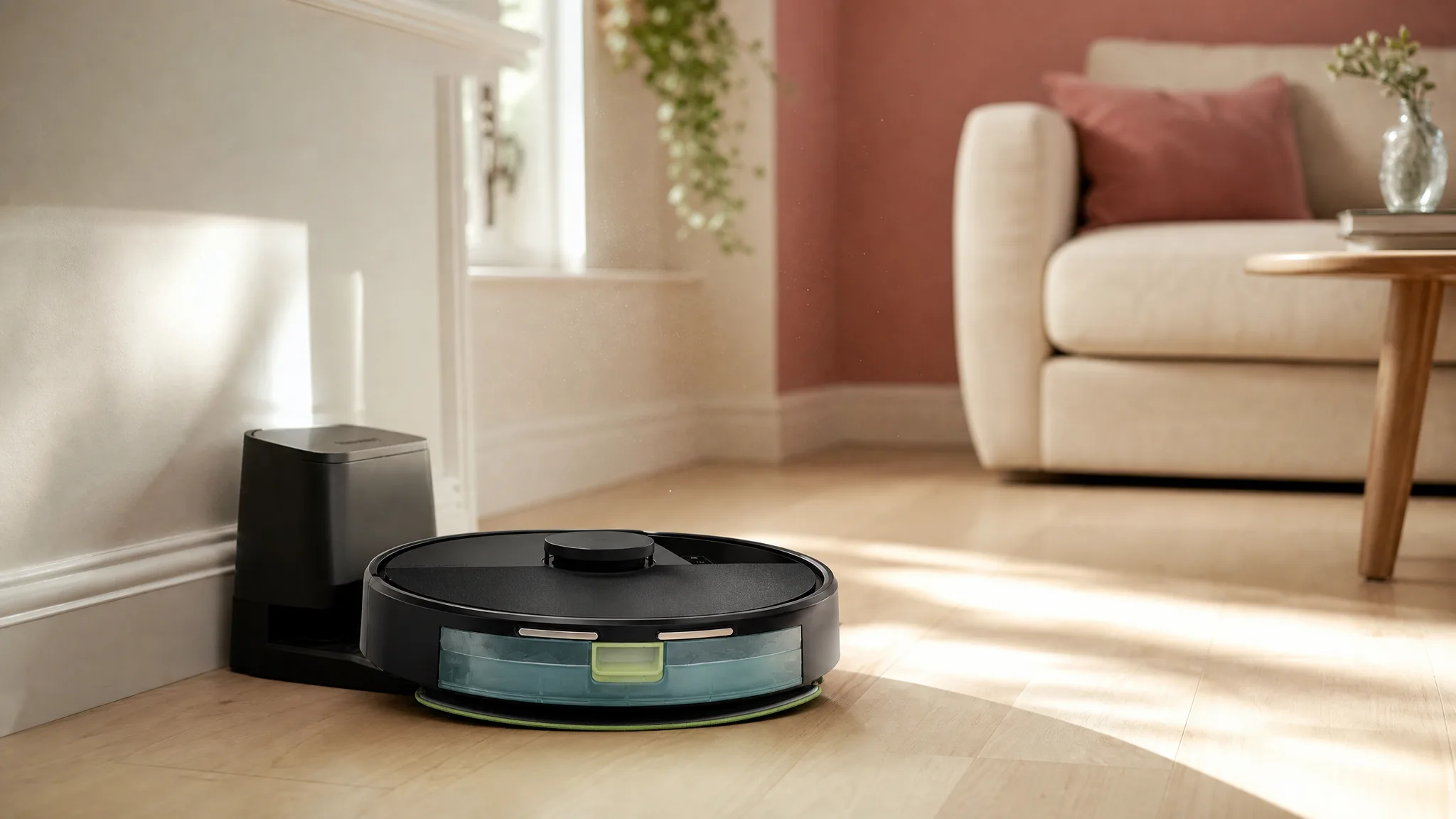
The Roomba 105 Combo is iRobot's entry-level vac-and-mop bot. You get LiDAR navigation, a water-only mopping pad that dodges carpets, and the same iRobot Home app as pricier Roombas. The cost-cutting move: no AutoEmpty base station. You empty the bin by hand after each run. Here is how the core specs stack up.
| Spec | Detail |
|---|---|
| Type | Robot vacuum and mop combo |
| Navigation | LiDAR |
| Dust bin | Manual empty (no AutoEmpty dock) |
| Mopping | Water-only pad, carpet detection |
| Charging | Self-charging |
| App | iRobot Home with room targeting |
What we liked
Daily pet hair pickup that holds up
Room targeting that works when the map does
When the LiDAR map comes out clean, the app room targeting is genuinely useful. Send the bot to just the kitchen after dinner or skip the kids' room entirely. Owners in tidy homes with minimal floor clutter say the row-by-row cleaning pattern leaves neat lines on carpet and covers hard floors without missing patches. It is a practical feature that saves you from running the whole house when only one room needs attention.
Three-year durability in the right home
Where it falls short
Mapping is a coin toss
Mopping is basic, not a replacement for a real mop
The water-only pad handles light dust on hard floors but leaves corners, baseboards, and dried-on spots untouched. The bot detects rugs and avoids them while mopping, which helps prevent soaked carpets, but it often stalls at rug edges instead of routing around them. If you want a robot that scrubs, look at something like the Shark Stratos with its sonic mopping pad and self-emptying dock.
Frequent babysitting required
Owners consistently report the bot getting stuck under sofas, on door thresholds, and on rug edges, often returning to the same stuck spot run after run. The side brush jams into the bumper and sometimes needs a reboot after the bot sits idle for a week. If you want a robot you can start from your phone and forget about, this is not the one. The Dreame L40 Ultra Gen 2 handles obstacles far better, though it costs more.
Real-world performance
Small apartment with a shedding cat
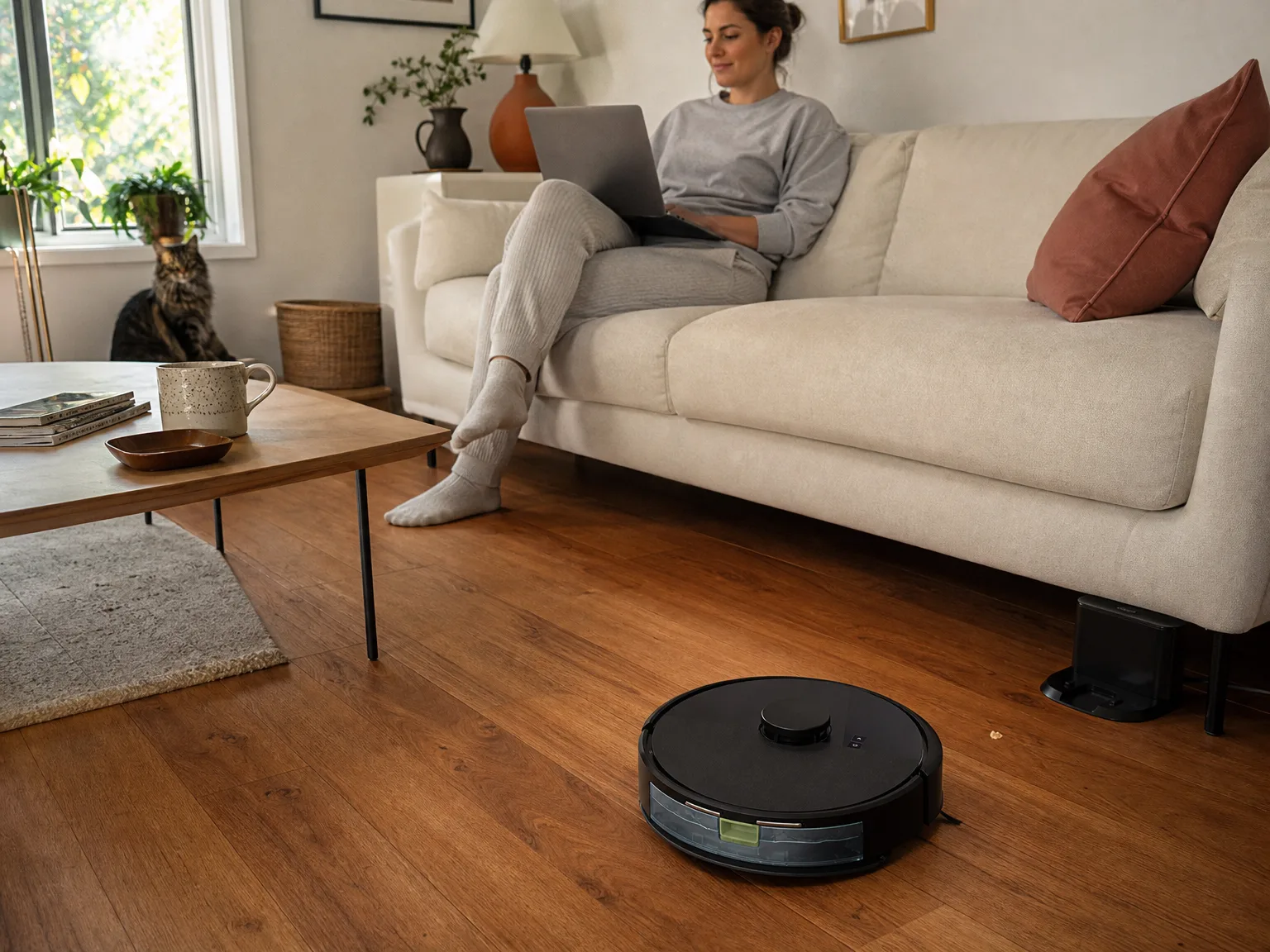
Owners in compact apartments around 700 square feet with hardwood floors, one low-pile rug, and a long-haired cat report nightly runs. The bin needs emptying after every run, and the brush needs de-hairing every three days. Floors stay visibly clean. Owner feedback describes mapping the space on the second try and navigating room to room without drama once cords and cat toys are picked up beforehand. For this setup, the manual bin is a 30-second chore, not a dealbreaker.
Multi-room home with mixed flooring
Owners in homes over 1,200 square feet with a mix of carpet and hard floors report more friction. The mapping run stretched past four hours, the bot got stuck twice on rug transitions, and the mopping pad left damp streaks on darker hardwood. After the map locked in, daily room-targeted vacuuming worked fine, but the mopping was too inconsistent to rely on for the whole house. In this kind of space, the missing AutoEmpty dock becomes more annoying because you are already dealing with more bin volume per run.
How it compares to alternatives
The iRobot Roomba 205 DustCompactor adds onboard dust compaction and a self-emptying base. You pay more but skip the daily bin dump. If the 105 Combo's mapping quirks worry you and you want to stay in the iRobot family, the 205 DustCompactor gives you the same app experience with less hands-on maintenance and a cleaner emptying routine.
The iMartine robot vacuum and mop combo costs even less than the 105 Combo. You give up LiDAR and app room targeting, and the 2,300Pa suction is weaker on paper. But if your budget is tight and you just want a basic bot that bumps around and picks up surface debris, the iMartine is the simpler, cheaper pick with fewer expectations to meet.
If you have the budget and want a robot that scrubs floors instead of just damp-wiping them, the Shark Stratos with its sonic mopping and self-emptying dock is the step-up worth saving for. Its Clean Sense IQ auto-boosts suction on carpet, and the NeverTouch base station means you go weeks without touching the bin.
Who should buy it
Look elsewhere if you have a multi-room home with thick carpet, you want a mop that scrubs, or you expect the bot to run reliably while you are at work without getting stuck. The mapping failures and rug-navigation issues are real and well-documented across hundreds of reviews.
FAQ
Can the Roomba 105 Combo handle pet hair?
Yes, it picks up pet hair from hard floors and rugs effectively. Long hair tangles on the brushes and needs regular cleaning. Pet owners confirm daily hair removal, though some note hair can wrap around the brush motor or clog the bin entrance.
Does the mapping work reliably?
Mapping is inconsistent. Many users report the robot creates inaccurate layouts, gets stuck during mapping runs, or needs multiple attempts to save a map. Some owners mapped their home on the first try. Most needed two or three.
Does it get stuck often?
Yes. Multiple reviewers say the bot gets stuck under furniture, on rugs, and on door thresholds, and often revisits the same stuck spots. It is not a good fit for unsupervised cleaning unless your floors are mostly clear of obstacles.
Can I add cleaning solution to the mop tank?
No. The mopping tank is designed for water only. Adding cleaning solution is not supported, and the bot does not have a cleaning solution dispenser.
Will it avoid carpets when mopping?
Yes, the bot detects carpets and avoids them while the mop pad is attached. Mapping issues can cause it to occasionally cross onto rugs, so setting no-mop zones in the app is a good safeguard.
Is the AutoEmpty dock worth paying extra for?
If you run the bot daily and dislike emptying the bin after every session, the AutoEmpty dock (available on pricier Roombas like the 205 DustCompactor) saves real time and keeps dust contained. For a once-a-week cleaning schedule in a small apartment, the manual bin is less of a hassle and the dockless 105 Combo keeps more cash in your pocket.
Bottom line
In this article
- At a glance
- What we liked
- Daily pet hair pickup that holds up
- Room targeting that works when the map does
- Three-year durability in the right home
- Where it falls short
- Mapping is a coin toss
- Mopping is basic, not a replacement for a real mop
- Frequent babysitting required
- Real-world performance
- Small apartment with a shedding cat
- Multi-room home with mixed flooring
- How it compares to alternatives
- Who should buy it
- FAQ
- Bottom line