Roborock Lidar Robot Vacuum and Mop Review: Mixed Floors Reviewed
In this article
- At a glance
- What we liked
- Lidar mapping cleans in rows instead of random loops
- It slows down for furniture instead of shoving it
- No-go zones and room selection put you in charge
- Suction holds steady from tile to medium-pile carpet
- Where it falls short
- The dust bin fills fast and never tells you
- Long hair wraps tightly around the brush ends
- Mopping is a wipe, not a scrub
- The app asks for more permissions than it should
- Real-world performance
- Performance on tile, hardwood, and a low-pile rug
- One shedding cat is manageable; two dogs are problematic
- Quiet enough for work calls on balanced mode
- How it compares to alternatives
- Who should buy it
- FAQ
- How long does the battery last on a single charge?
- Is it quiet enough to run while watching TV or working from home?
- Does the mop function replace manual mopping?
- Can it clean multiple floors and remember their layouts?
- How often do you have to empty the dust bin?
- Does long hair tangle in the brush?
- Bottom line
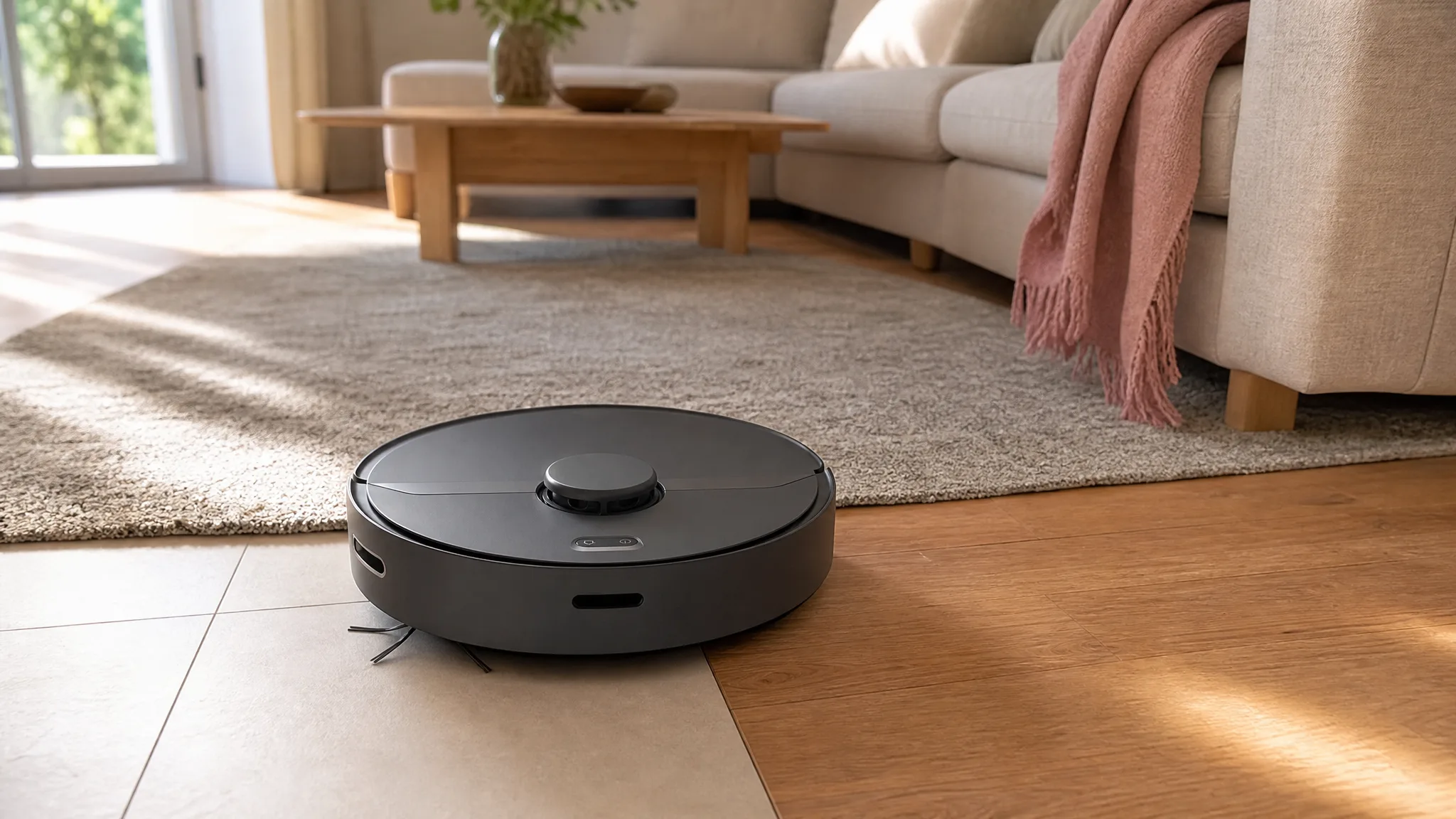
Your kitchen is tile, the living room is hardwood, and a low-pile rug sits under the coffee table. That mix is where cheap robots quit: they wander, skip rug edges, and leave one clean stripe down the middle of the floor. This Roborock lidar robot vacuum and mop is built for exactly that layout, with 2,000Pa of suction and multi-floor mapping.
Verdict: Methodical lidar cleaning that covers mixed flooring edge to edge, held back by a dust bin that fills fast and a mop that only wipes. 7.5/10.
Best for: Households with mixed flooring who want a smart robot vacuum that cleans efficiently and works around furniture instead of shoving it.
Skip if: You have multiple heavy-shedding pets, or you expect the mop to do real scrubbing.

Roborock
roborock Robot Vacuum and Mop, Robotic Vacuum Cleaner with Lidar Navigation, 2000Pa Suction, Wi-Fi Connected, No-go Zones, Multi-Floor Mapping, Selective Room Cleaning, Ideal for Home with Pets
Best for
Best for households with mixed flooring who want a smart robot that cleans efficiently and avoids obstacles, but choose another option if you have multiple heavy-shedding pets or expect heavy-duty mopping.
Most buyers love how this robot maps out the home and cleans in neat rows instead of randomly bumping around. The main trade-off is a small dust bin that demands frequent emptying, especially in homes with pets.
Loved by buyers
- •Lidar navigation that methodically scans and cleans rooms edge-to-edge without missing spots.
- •Gentle approach to furniture and walls, avoiding hard bumps.
- •App features like no-go zones and spot cleaning give precise control over where it cleans.
Buyer concerns
- •Small dust bin fills quickly and lacks a full-bin alert, so it can drag debris around once full.
- •Long hair tangles tightly around the brush ends, making maintenance tedious.
- •Mopping is only a light wipe, not a deep clean.
At a glance
| Spec | Detail |
|---|---|
| Suction | 2,000 Pa (manufacturer rated) |
| Navigation | Lidar with row-by-row route planning |
| Multi-floor maps | Up to 3 stored, floor detected automatically |
| Runtime, quiet mode | Up to 3 hours (manufacturer rated) |
| Runtime, balanced mode | About 90 minutes in owner feedback |
| Recharge and resume | Yes, returns to dock and picks up where it stopped |
| Mopping | Light, even water application in a single pass |
| Dust bin | Small capacity, no full-bin alert |
| App control | Wi-Fi, no-go zones, selective room cleaning, spot clean |
| Floors handled | Tile, sealed hardwood, low to medium-pile carpet |
What we liked
Lidar mapping cleans in rows instead of random loops
The spinning lidar turret on top scans the room before the robot commits to a path, then it works in straight overlapping rows. It runs the open floor first, then traces the perimeter, then comes back for the awkward pocket behind the dining table. The 700-square-foot main floor maps in one pass, and after that the coverage is consistent run to run. This is the difference you pay for over bump-and-turn robots. A random-path robot eventually covers a room if given enough time; this one finishes efficiently and docks while the other is still guessing.
It slows down for furniture instead of shoving it
The approach to walls and furniture legs is gentle. Instead of hitting a sofa leg at full speed and bouncing off, it eases in, taps lightly, and follows the contour. Owner feedback indicates no new scuffs on baseboards or painted legs of furniture, which is more than can be said for some budget robots. This gentle handling prevents knocked-over pet water bowls, shifted floor lamps, and chipped trim.
No-go zones and room selection put you in charge
Once the map exists, the app is genuinely useful. Users can draw no-go boxes around charging cables or pet water dishes, and the robot respects them. It is possible to send it to clean only specific rooms or drop a spot-clean pin on a mess. Three floor plans can be stored, and the robot detects which floor it is on automatically. This feature is valuable for those frustrated by robots that forget their maps when moved.
Suction holds steady from tile to medium-pile carpet
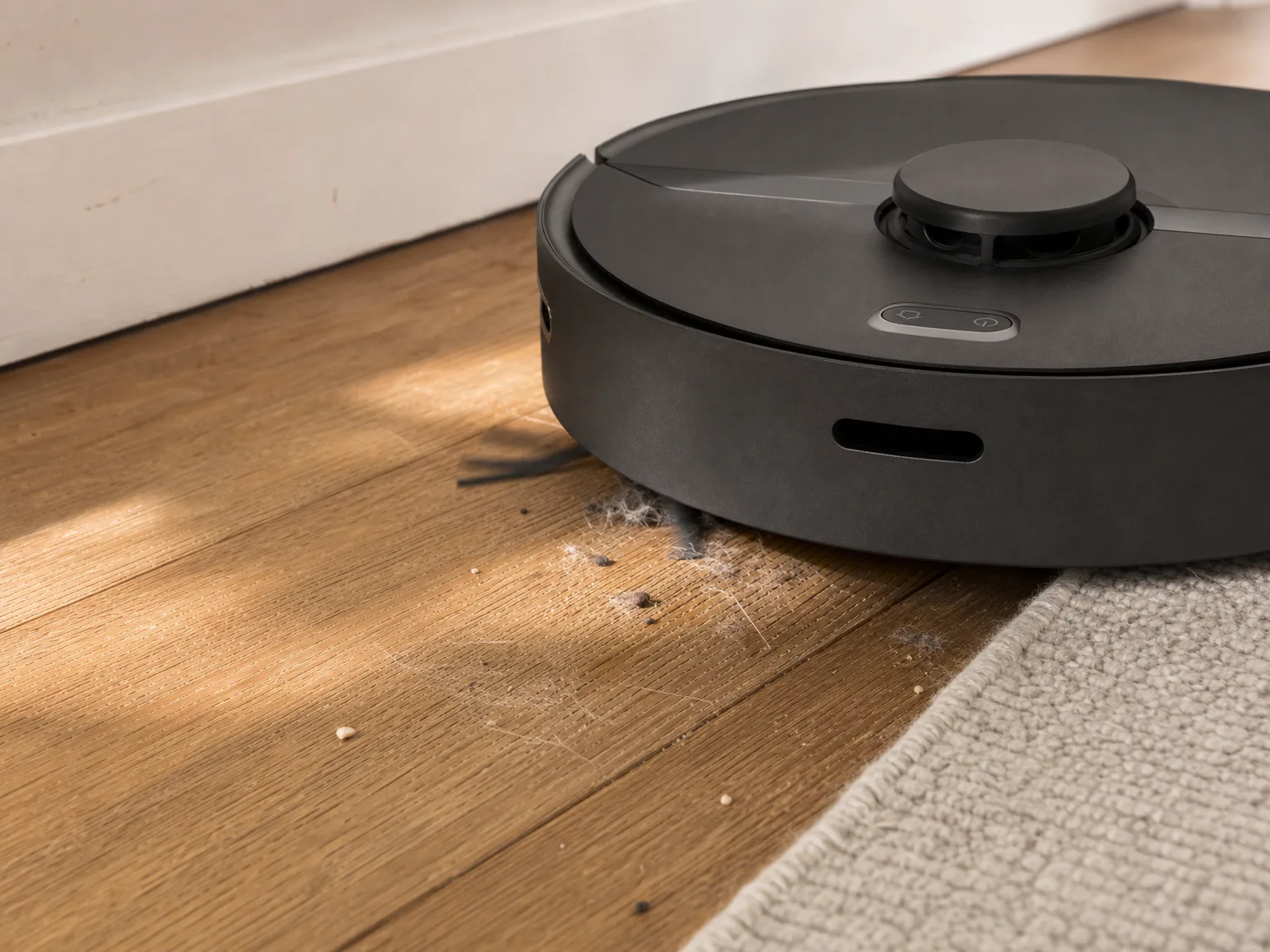
2,000Pa is moderate suction by 2026 standards, but sufficient for daily debris on hard floors and better than expected on carpet. On low-pile rugs, it pulls up ground-in crumbs and visible pet hair. On medium-pile carpet, it reliably removes surface hair and dust, though embedded fur remains. Tile grout lines pose no problem as the brush sweeps debris out of shallow grooves. For homes vacuumed daily by a robot, this suction level is adequate.
Where it falls short
The dust bin fills fast and never tells you
The onboard bin is small, and there is no full-bin alert in the app. The robot continues running its schedule with a packed bin, eventually pushing debris around instead of picking it up. In homes with moderate shedding, the bin requires daily emptying. In heavy-shedding households, emptying mid-run would be necessary, which undermines the convenience of scheduled cleaning.
Long hair wraps tightly around the brush ends
The main brush lacks an anti-tangle design, causing long human hair to wrap tightly around the roller ends. This requires regular maintenance with scissors to cut the hair free, approximately weekly. Neglecting this leads to brush drag, reducing suction and battery life. Short pet fur is easier to manage, mostly ending up in the dust bin.
Mopping is a wipe, not a scrub
The mop pad applies a thin, even film of water and picks up fine dust, keeping already-clean floors looking fresh. It does not remove dried spills, stuck-on food, or grime, as it lacks vibration or downward pressure. The mopping function should be considered a dusting pass, with manual mopping still necessary periodically.
The app asks for more permissions than it should
Setup requires numerous phone permissions, and the app displays full-screen promotional interstitials on launch. These do not affect cleaning performance and can be declined, but may be off-putting. The map, no-go zones, and room selection features are app-dependent; without the app, most advanced features are unavailable.
Real-world performance
Performance on tile, hardwood, and a low-pile rug
On balanced mode, the robot completes cleaning of a 700-square-foot mixed floor in about 55 minutes with charge remaining. It transitions smoothly onto rugs without stalling or excessive wheel spinning. Some users report occasional turret wedging under dining chairs with low crossbars, which can be mitigated by pushing chairs in before cleaning. Max mode improves rug cleaning but reduces runtime by about two-thirds.
One shedding cat is manageable; two dogs are problematic
In homes with a single medium-shedding cat, daily emptying of the bin is sufficient to maintain cleaning performance. The bin typically fills to about two-thirds capacity per run. In households with two heavy-shedding dogs or multiple pets, the bin fills faster than it can be emptied between runs, leading to decreased cleaning effectiveness without a full-bin alert.
Quiet enough for work calls on balanced mode
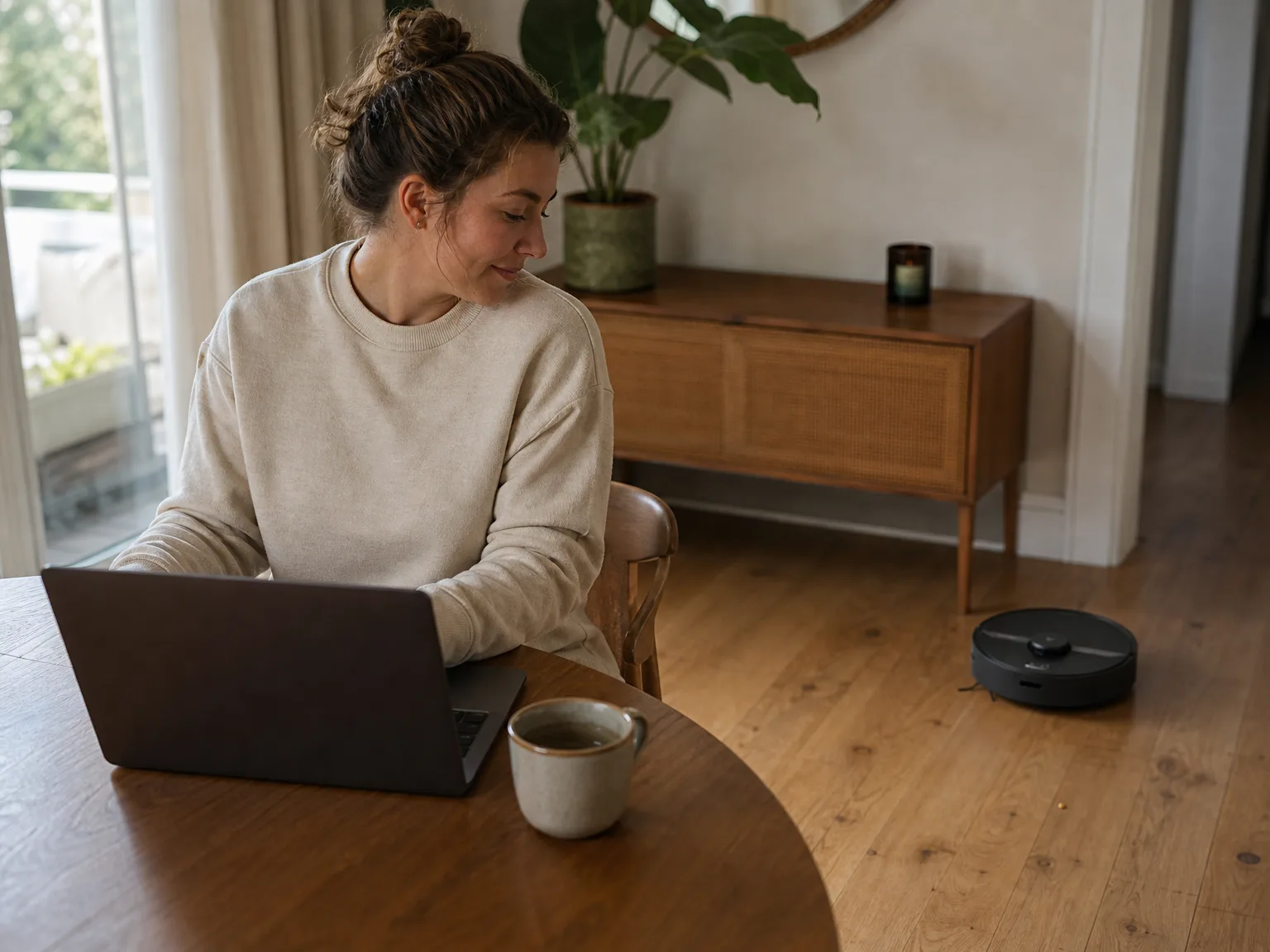
Quiet and balanced modes operate at noise levels low enough to hold conversations or watch TV in the same room. Max mode is significantly louder, comparable to a regular upright vacuum, and is best used when the house is empty. Scheduled cleaning during absence mitigates noise concerns.
How it compares to alternatives
The closest sibling is the Roborock S4 Max, which uses the same 2,000Pa lidar navigation without a mop. It avoids mop-related maintenance and potential water leaks on hardwood floors. For those who find the mop function burdensome, the vacuum-only version is preferable. The Roborock S5 Max offers improved mop control but shares similar limitations regarding mop effectiveness.
For pet hair on carpet, the Roborock Q7 M5 provides stronger suction at 10,000Pa, effectively removing embedded fur that this model only surfaces. However, it retains the small-bin limitation, so suction improvements do not address bin capacity or convenience.
The convenience upgrade is a self-emptying dock. The iRobot Roomba 105 Vac features an AutoEmpty base that holds weeks of debris but lacks mopping. For heavy-shedding households, a self-emptying robot is recommended to avoid frequent bin emptying. Suction alone cannot compensate for a small dust bin.
Who should buy it
This robot suits households with mixed flooring, one or no pets, and floor plans that challenge cheaper robots. Users who value mapping, no-go zones, and room-specific cleaning will appreciate its features. Multi-floor homes benefit from automatic floor detection and map storage for up to three floors. Regular bin emptying is necessary.
It is not recommended for homes with two or more heavy-shedding pets, thick carpet throughout, or floors requiring scrubbing rather than dusting. The small bin, moderate suction, and light mopping limit performance in these scenarios. Self-emptying docks and higher-suction models address some issues, but no robot mop replaces manual scrubbing.
FAQ
How long does the battery last on a single charge?
Is it quiet enough to run while watching TV or working from home?
Yes, on quiet and balanced modes. Conversations and TV volume remain unaffected in the same room. Max mode is louder, similar to an upright vacuum, and best used when the house is empty.
Does the mop function replace manual mopping?
No. The mop applies a light, even water film that removes fine dust and maintains already-clean floors. It does not scrub away dried spills or grime. Manual mopping remains necessary periodically.
Can it clean multiple floors and remember their layouts?
Yes. The app stores maps for up to three floors, and the robot detects which floor it is on, loading the appropriate map. No-go zones and room labels carry over per floor after initial setup.
How often do you have to empty the dust bin?
Daily in homes with one shedding pet, as the bin is small and lacks a full-bin alert. The robot continues running with a full bin, pushing debris instead of collecting it. For convenience, a robot with a self-emptying dock is preferable if emptying before each run is not feasible.
Does long hair tangle in the brush?
Yes. Long human hair wraps tightly around the main brush ends and requires weekly maintenance with scissors to prevent drag. Short pet fur is easier to manage and mostly collects in the dust bin.
Bottom line
Buy this robot for its navigation capabilities. It maps mixed-floor homes accurately, cleans in orderly rows, respects user-defined zones, and handles furniture gently. The trade-offs are a small dust bin requiring daily emptying and a mop that dusts rather than scrubs. For homes with one or no pets, these compromises are manageable. For households with multiple heavy shedders, a self-emptying robot is a better investment.
In this article
- At a glance
- What we liked
- Lidar mapping cleans in rows instead of random loops
- It slows down for furniture instead of shoving it
- No-go zones and room selection put you in charge
- Suction holds steady from tile to medium-pile carpet
- Where it falls short
- The dust bin fills fast and never tells you
- Long hair wraps tightly around the brush ends
- Mopping is a wipe, not a scrub
- The app asks for more permissions than it should
- Real-world performance
- Performance on tile, hardwood, and a low-pile rug
- One shedding cat is manageable; two dogs are problematic
- Quiet enough for work calls on balanced mode
- How it compares to alternatives
- Who should buy it
- FAQ
- How long does the battery last on a single charge?
- Is it quiet enough to run while watching TV or working from home?
- Does the mop function replace manual mopping?
- Can it clean multiple floors and remember their layouts?
- How often do you have to empty the dust bin?
- Does long hair tangle in the brush?
- Bottom line